¶ Downgrading Client
How to downgrade the client version for Java Players,
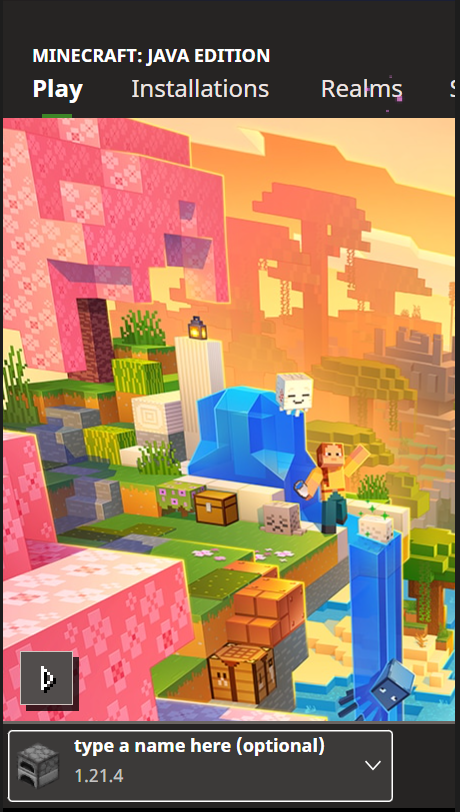
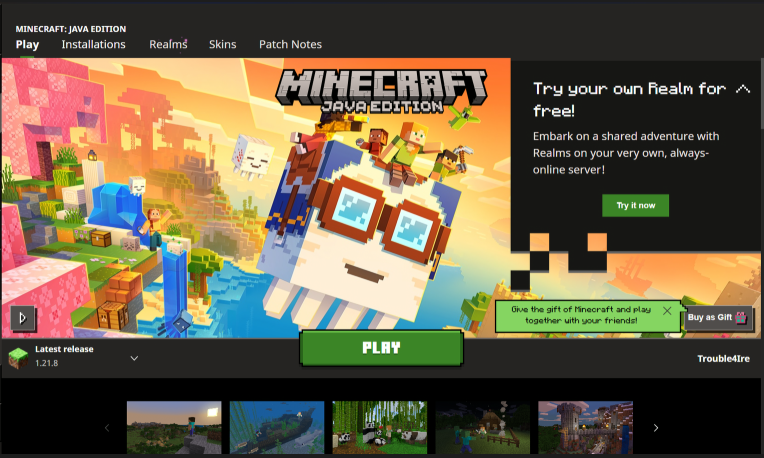
- Open the Minecraft Launcher
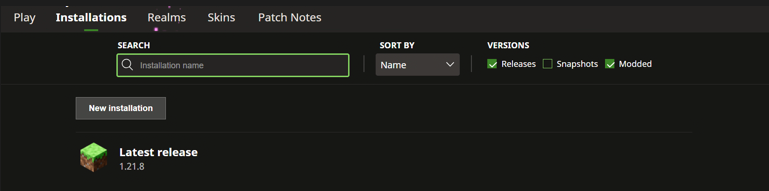
- Click Installations (located at the top tools bar)
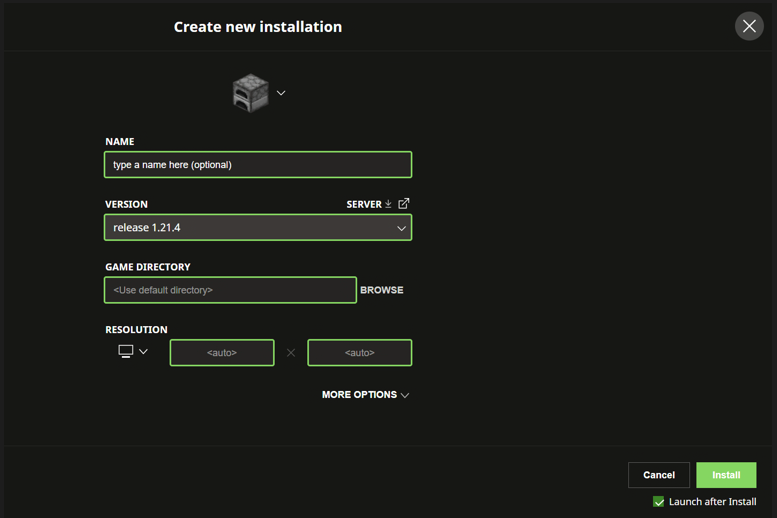
- Click New Installation
- Enter a Name (optional)
- Select what version to make the installation (e.g 1.20.4)
- Click Install (located at bottom right of screen)
See Increasing Your Ram for guidance on increasing the amount of RAM allocated to the installation.